
Buffer schedules. The writing is still yours.
Buffer is a good queue for eleven networks at once. It does not solve the part most people actually get stuck on: sitting down on a Tuesday with nothing to say. If that is what you need, here is the honest case for MediaPilot as the alternative.
- 7-day free trial
- Cancel anytime
- From $9.90 / month
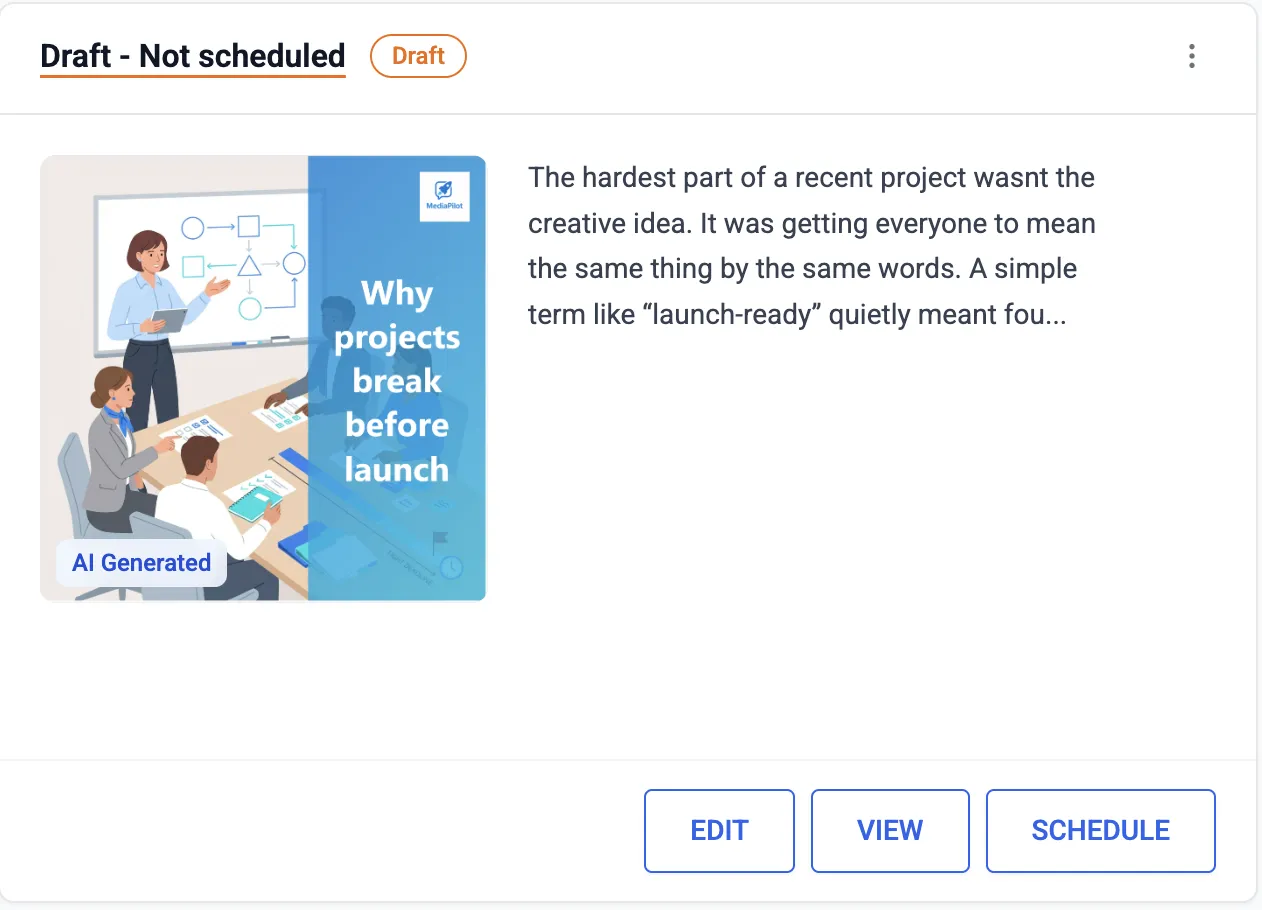
You get a draft with an image, not an empty box with a send time.
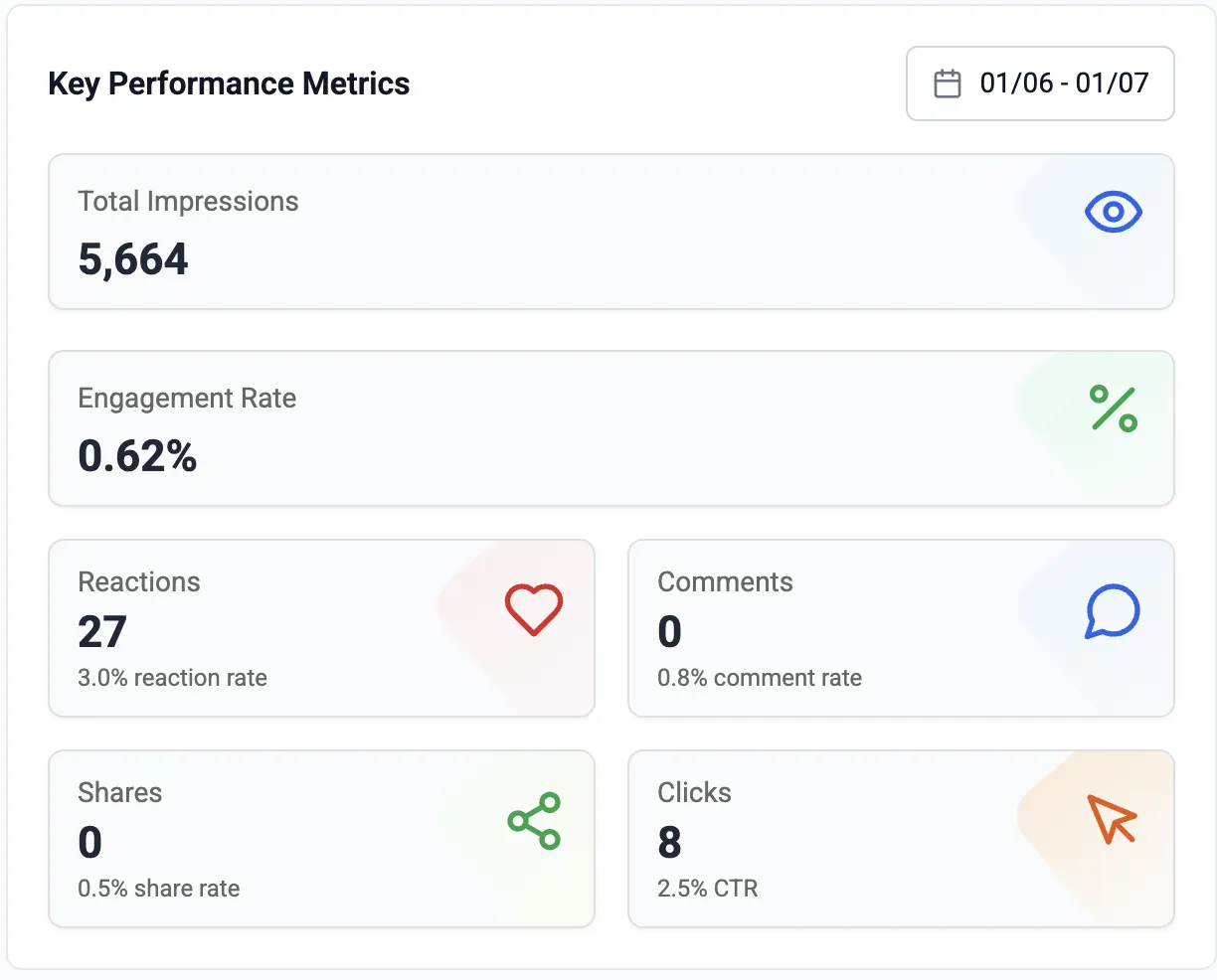
LinkedIn formatting, LinkedIn analytics, LinkedIn comments.
$9.90 a month, not per channel.
A scheduler assumes you have the post
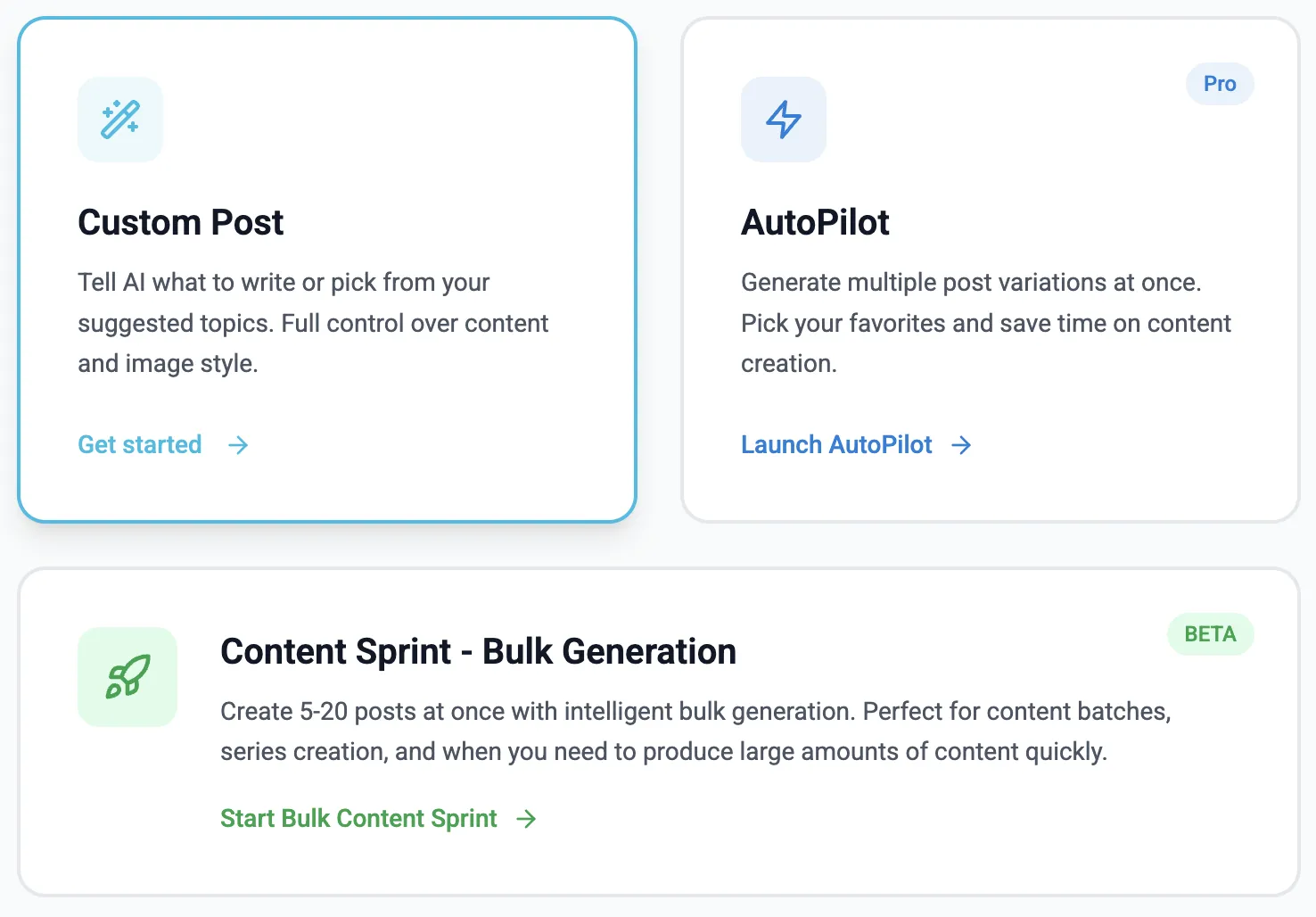
Buffer's job starts once the text exists. You write the hook, you pick the image, you decide the angle — Buffer puts it in a queue and publishes it at a sensible hour. That is genuinely useful, and for a team with a copywriter it may be all you need. The trouble is that for most small teams the queue is not the bottleneck. The blank page is. A scheduling tool full of empty slots is a weekly reminder that you are behind, which is why so many Buffer queues run dry after a month. MediaPilot starts one step earlier. You type a line — "turn this week's customer win into a post" — and get a finished draft with an image, in your tone, which you edit and approve. The scheduling is the last step, not the first.
- Buffer: you write, it publishes
- MediaPilot: it drafts, you edit, it publishes
- Both let you approve everything before it goes out
Eleven networks, or one that pays
Buffer covers Instagram, TikTok, Facebook, X, YouTube, Pinterest and more. If your audience is spread across several of them, that breadth is worth paying for and MediaPilot is the wrong tool — we only do LinkedIn. But breadth costs depth. A post that works on Instagram is not a post that works on LinkedIn, and a tool that treats them as the same text box quietly pushes you towards the lowest common denominator. LinkedIn rewards a specific shape: a hook that survives the "see more" cut, short paragraphs, a point of view, and a question at the end. Because MediaPilot only writes for LinkedIn, it can be opinionated about that shape instead of neutral about all of them.
- Buffer: many networks, one generic composer
- MediaPilot: one network, formatting and analytics built for it
- Choose Buffer if LinkedIn is one of five channels that matter
MediaPilot and Buffer
| MediaPilot | Buffer | |
|---|---|---|
| Writes the post for you | Yes — drafts with your tone and angle | AI Assistant helps rewrite and expand what you start |
| Creates the image | Yes — generated per post, editable | No — you supply the visual |
| Networks | LinkedIn only | Instagram, TikTok, Facebook, X, LinkedIn and more |
| Free plan | No — 7 free days, card required | Yes — 3 channels, 10 scheduled posts per channel |
| Entry price | $9.90 / month | $5 / month per channel (Essentials) |
| Comment replies | Drafted for you, you approve each one | Engagement inbox, you write the replies |
Buffer details from buffer.com/pricing, checked on 14 September 2026. Prices change — check before you decide.
Where Buffer is the better choice
MediaPilot does LinkedIn and nothing else. If Instagram and TikTok matter to you, Buffer covers them and we do not.
Buffer's free plan is real and generous for one person on three channels. Ours is a 7-day trial that asks for a card.
If the copy exists before the tool does, you are paying us for a step you do not need.
Good to know
Plenty of people do. MediaPilot for LinkedIn, Buffer for the rest. Nothing about either tool blocks the other.
No. Posts you publish through MediaPilot appear on LinkedIn like any other post, so a queue elsewhere keeps working.
It is per workspace on Starter, which includes one LinkedIn account. More accounts are on the larger plans.
Yes. Every plan starts with 7 free days. Cancel in one click if it is not for you.
Yes. MediaPilot uses the official LinkedIn API and never asks for your password.
The hard part is the post, not the schedule
Seven days free to find out whether that is true for you too.
Start free trial- 7-day free trial
- Cancel anytime
- From $9.90 / month